Ensure the safety of your assets with our AI-powered camera monitoring services. Our advanced surveillance solutions provide real-time monitoring, recording, and analysis capabilities, enabling proactive threat detection and rapid response for your business. Secure your peace of mind and stay one step ahead with our next-gen camera monitoring services.
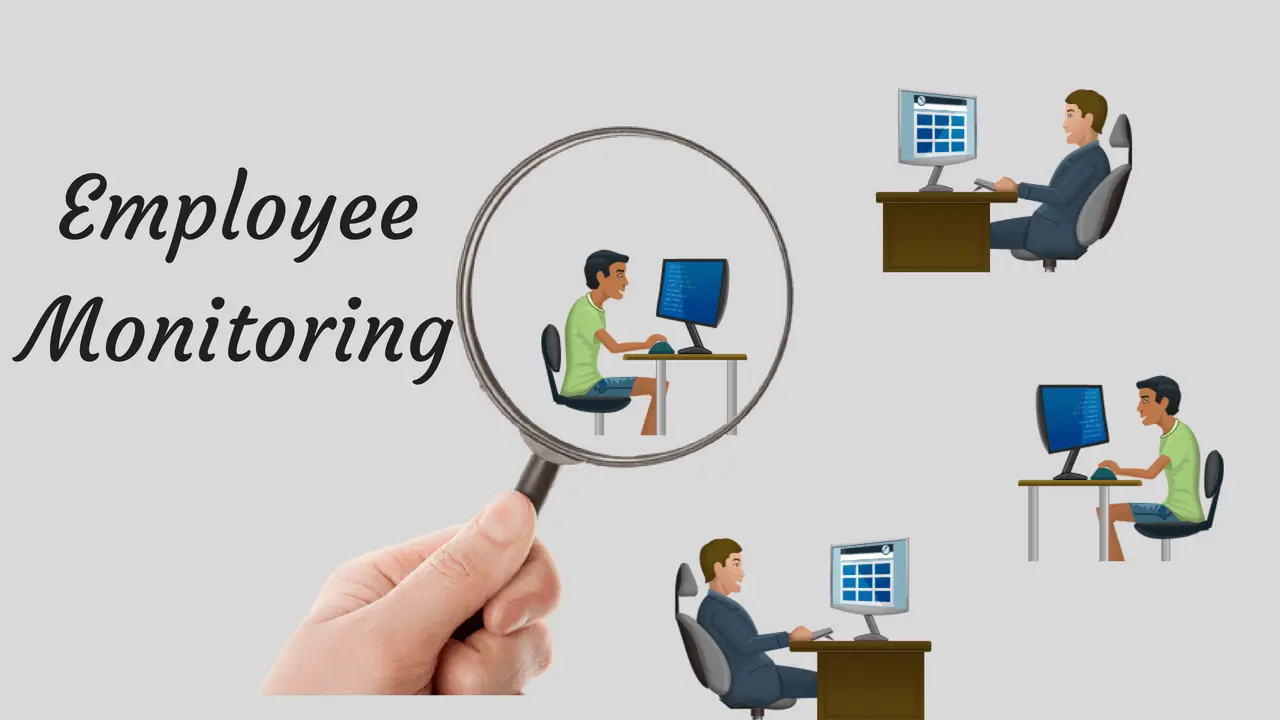
Employee-Focused Monitoring
Objective: Ensure the safety and productivity of employees, prevent workplace incidents, and promote a secure working environment.
Key Features and Steps:
-
Surveillance Placement:
- Install cameras in key areas such as entrances/exits, workstations, common areas, and high-risk zones (e.g., warehouses).
-
Behavioral Monitoring:
- Monitor for compliance with safety protocols.
- Use cameras to observe adherence to standard operating procedures and identify training needs.
Customer-Focused Monitoring
Objective: Enhance customer experience, ensure safety, and protect customer property in businesses such as retail stores, hospitality, and service centers.
Key Features and Steps:
-
Surveillance Placement:
- Install cameras in areas with high customer interaction such as entrances, checkout counters, service desks, and parking lots.
-
Customer Safety:
- Monitor for suspicious activities to prevent theft, vandalism, or other security incidents.
- Provide real-time alerts to security personnel to address potential threats promptly.

Location-Focused Monitoring
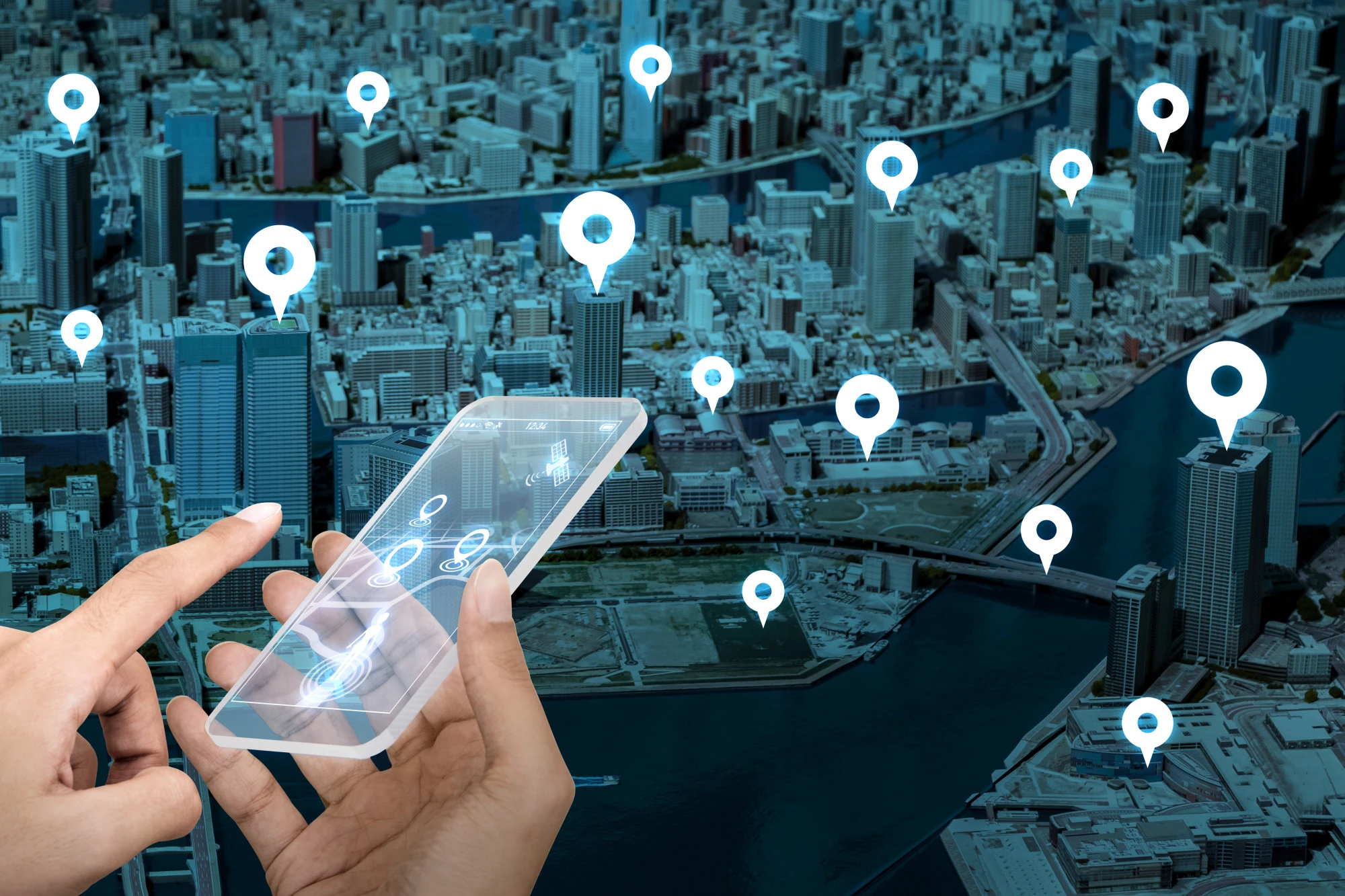
Objective: Secure physical locations such as buildings, campuses, and public spaces to prevent unauthorized access, vandalism, and other security breaches.
Key Features and Steps:
-
Surveillance Placement:
- Install cameras at strategic points such as perimeter fences, entry gates, hallways, stairwells, and critical infrastructure areas (e.g., server rooms, storage areas).
-
Access Control Integration:
- Integrate with access control systems to monitor and manage entry and exit points.
- Use video verification for access control events to enhance security.
Implementation Steps
-
Assessment and Planning:
- Conduct a thorough assessment of the area to be monitored.
- Develop a detailed plan outlining camera placements, monitoring objectives, and integration with other security systems.
Types of Sheets for Clients
Creating detailed and organized documentation is essential for effective communication with clients. Here are the types of sheets you should prepare:
Installation Report
We may collect and process the following data about you:
-
Site Layout Diagram: Visual representation of camera placements.
-
Camera Details: Specifications and model numbers of installed cameras
-
Installation Date: Date when the installation was completed.
-
Technician Information: Names and contact information of the technicians who performed the installation.
Example Templates
Here are simple templates for each type of sheet:
Installation Report Template
| Camera Location | Camera Model | Serial Number | Installation Date | Technician Name |
|---|---|---|---|---|
| Main Entrance | DS-2CD2143GO | DEF67890 | 2024-06-12 | John Doe |
| Parking Lot | DS-2CD2043GO | ABC12345 | 2024-07-02 | Jane Smith |
Monitoring Schedule Template
| Day | Start Time | End Time | Monitoring Staff | Conatct Number |
|---|---|---|---|---|
| Monday | 08:00 AM | 04:00 PM | Alic Johnson | 555-4564 |
| Monday | 04:00 PM | 08:00 AM | Bob Brown | 555-1235 |
Installation Report Template
| Incident Date | Incident Time | Description | Camera Reference | Action Taken | Follow-Up Required |
|---|---|---|---|---|---|
| 2024-06-22 | 10:30 AM | Unauthorized Access Attempt | Main Entrance | Security Alerted | Yes |
Maintenance Log Template
| Date | Maintenace Activity | Issue Found | Repairs/Updates | Technicain Name |
|---|---|---|---|---|
| 2024-06-22 | Monthly Camera Check | None | Firmware Update | John Doe |
| 2024-04-22 | Clean Lenses And Check Cables | Blurry Image | Lens Cleaned | Jane Smith |
Choose The Plan
Basic Plan
Features:
Camera Installation
- Up to 8 cameras included.
- Professional installation service with custom setup options.
Live Monitoring
- 24/7 live monitoring through a dedicated mobile app.
- Advanced motion detection and person recognition alerts.
Cloud Storage
- 30-day video storage.
Customer Support
- 24/7 phone and email support.
- Priority response time.
- Access to online knowledge base and troubleshooting guides.
Cloud Storage
- 30-day video storage.
Mobile App Access
- Live view and playback. .
- Push notifications for motion detection.
Premium Plan
Features:
Camera Installation
- Up to 8 cameras included.
- Professional installation service with custom setup options.
Live Monitoring
- 24/7 live monitoring through a dedicated mobile app.
- Advanced motion detection and person recognition alerts.
Cloud Storage
- 30-day video storage.
Customer Support
- 24/7 phone and email support.
- Priority response time.
- Access to online knowledge base and troubleshooting guides.
Mobile App Access
- Live view and playback.
- Push notifications for motion detection and person recognition.
- Remote control of cameras (pan, tilt, zoom if supported).
Additional Features
- Customizable alert zones.
- Integration with smart home devices (e.g., lights, alarms).
Expert Plan
Features:
Camera Installation
- Up to 16 cameras included.
- Professional installation with custom setup and optimization.
Live Monitoring
- 24/7 live monitoring through a dedicated mobile app.
- Advanced motion detection, person recognition, and vehicle alerts.
Cloud Storage
- 60-day video storage.
Customer Support
- 24/7 phone and email support.
- Priority response time.
- Dedicated account manager.
Mobile App Access
- Live view and playback.
- Remote control of cameras (pan, tilt, zoom).
- Advanced video analytics and reporting.
Additional Features
- Customizable alert zones.
- Integration with smart home devices (e.g., lights, alarms).
- AI-powered analytics (e.g., facial recognition, license plate recognition).
- Regular security audits and system health checks.
with our advanced Monitoring Team.